What Is Kahoot Play Game and Why It’s Taking Over Classrooms
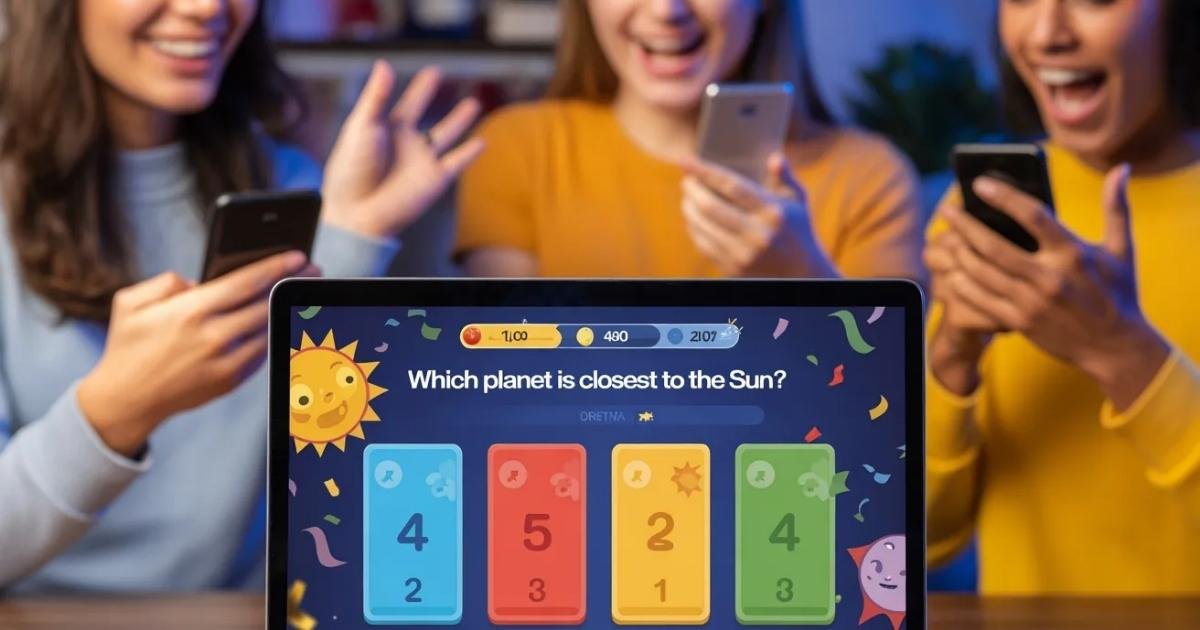
Kahoot transforms traditional learning into an exciting game-based experience. Teachers and students worldwide use this platform daily. The system creates engaging quizzes that anyone can access instantly.
Students compete in real-time using their devices. Points accumulate based on speed and accuracy. The leaderboard displays after each question, building excitement throughout sessions.
Getting Started with Your First Session
Creating Your Account
Visit the official website to begin. Click the sign-up button at the top. Choose between teacher, student, or personal accounts based on your needs.
Free accounts offer basic features. Premium versions unlock advanced options. Most users find free accounts sufficient for regular use.
Finding Games to Play
The platform hosts millions of ready-made quizzes. Search by topic, grade level, or subject area. Browse popular categories including science, math, history, and languages.
Public games appear in search results instantly. You can preview questions before starting. Save favorites to your library for quick access later.
How to Join and Play Games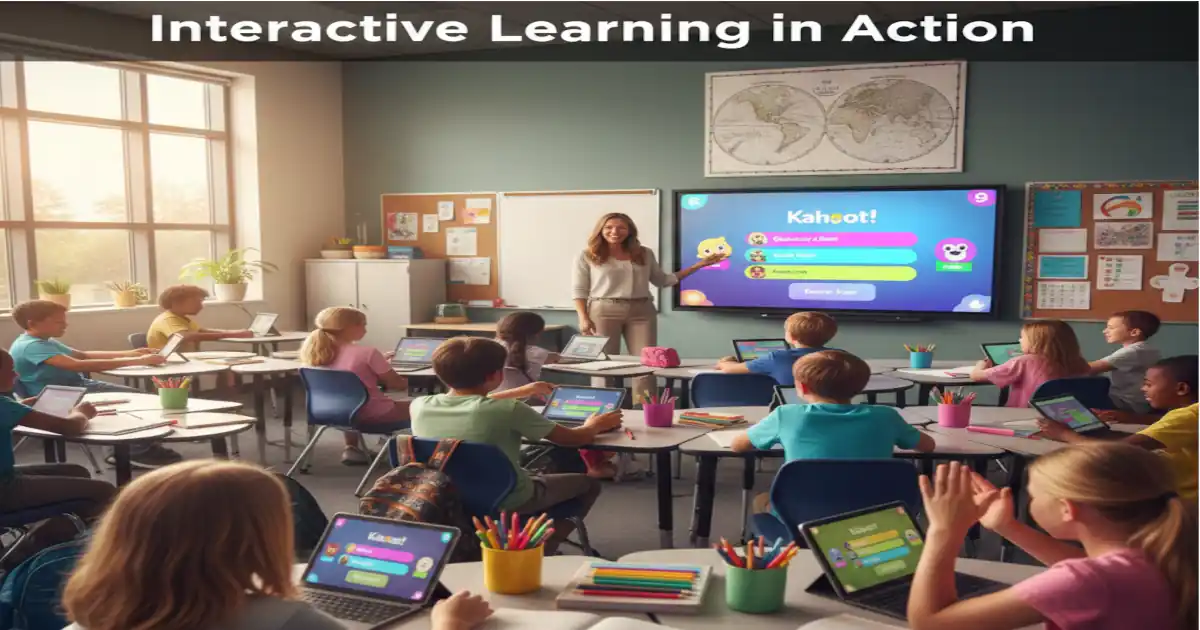
Using Game Pins
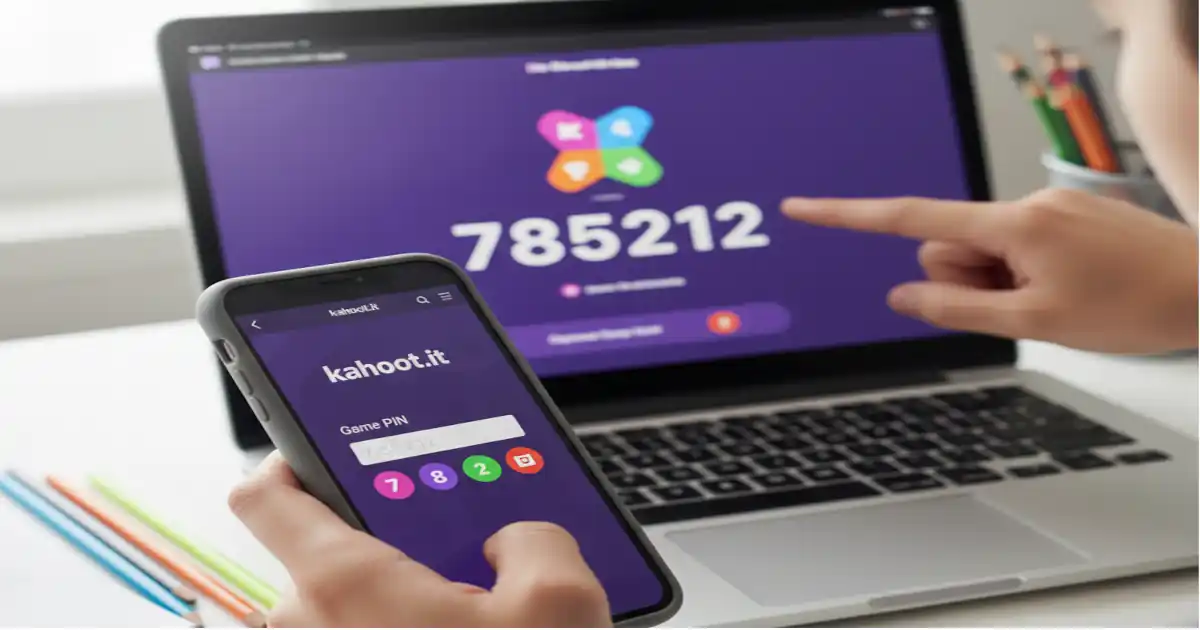
Players need a unique PIN to join sessions. Hosts display this code on their screen. Enter the PIN at kahoot.it on any device.
Type your nickname when prompted. Wait for other players to join. The host starts the game when everyone’s ready.
Understanding Game Mechanics
Questions appear on the main screen. Answer choices show different colors and shapes. Select your answer on your device quickly.
Time limits vary per question. Faster correct answers earn more points. Incorrect answers receive no points, but don’t subtract from scores.
Navigating Different Game Modes
Classic mode suits traditional classroom settings. Team mode allows groups to collaborate. Challenge mode lets students complete quizzes at their own pace.
Ghost mode enables competition against previous high scores. Survey mode collects opinions without right or wrong answers. Each mode serves different educational purposes.
Creating Your Own Custom Games
Designing Effective Questions
Write clear, concise questions that test specific knowledge. Include four answer options. Mark the correct answer before moving forward.
Add images to make questions visually appealing. Set time limits between five and ninety seconds. Balance difficulty to maintain engagement throughout.
Adding Media and Visuals
Upload photos from your computer or device. Search the integrated image library for free options. Videos enhance questions and provide context.
Keep the media relevant to your questions. Ensure images display clearly on all devices. Test your game before sharing with others.
Setting Time and Points
Adjust time limits based on question complexity. Shorter times increase difficulty and excitement. Longer periods allow thoughtful consideration.
Standard scoring rewards speed and accuracy. Customize point values to emphasize certain questions. Bonus points can highlight critical concepts.
Benefits for Educational Environments
Boosting Student Engagement
Games capture attention better than traditional lectures. Students actively participate rather than passively listening. Competition motivates learners to focus and try harder.
Immediate feedback helps students learn from mistakes. Visual and auditory elements appeal to different learning styles. The format reduces anxiety around testing situations.
Assessing Knowledge Effectively
Teachers see real-time data on student understanding. Reports show which questions caused difficulty. Individual student performance appears in detailed analytics.
Use results to identify knowledge gaps quickly. Adjust teaching strategies based on collected data. Track progress over time through repeated assessments.
Promoting Collaborative Learning
Team modes encourage students to discuss answers together. Peer teaching happens naturally during gameplay. Students develop communication and teamwork skills simultaneously.
Groups learn to value diverse perspectives. Collaborative problem-solving becomes second nature. Social learning enhances retention of material.
Tips for Hosting Successful Sessions
Preparing Your Technology
Test internet connections before starting. Ensure all devices connect properly to WiFi. Have backup plans if technical issues arise.
Project the game screen where everyone can see clearly. Adjust the volume so all participants hear the audio. Prepare alternative activities in case problems occur.
Managing Player Behavior
Establish clear rules before beginning. Remind students to respect others during play. Monitor nicknames to prevent inappropriate choices.
Pause games if disruptions occur. Address issues immediately and firmly. Maintain a positive atmosphere throughout sessions.
Maximizing Learning Outcomes
Review answers after each question together. Discuss why correct answers work. Clarify misconceptions before moving forward.
Connect game content to broader curriculum goals. Use games as starting points for deeper discussions. Follow up with additional resources and activities.
Advanced Features and Customization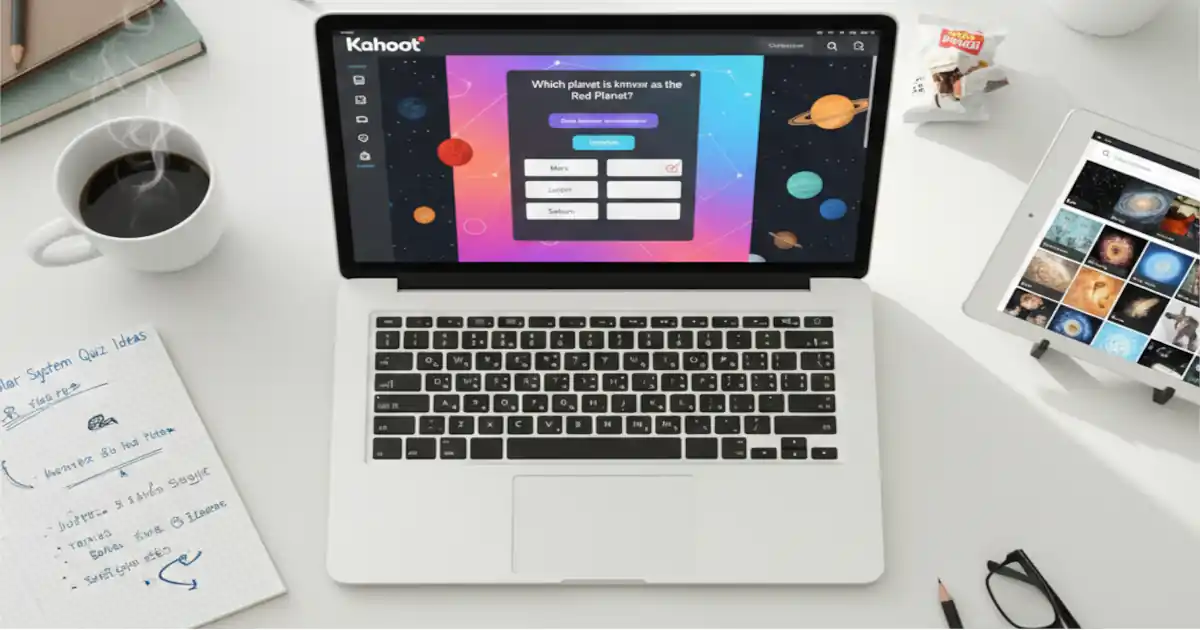
Using Question Types Strategically
True or false questions work for simple concepts. Multiple choice suits most content areas effectively. Puzzle questions add variety and challenge.
Mix question types throughout your game. Vary difficulty to maintain interest levels. Include some easy questions to build confidence.
Implementing Blind Mode
Hide the game screen to increase difficulty. Players rely only on their device displays. This mode reduces answer sharing and cheating.
Blind mode works well for assessments. Students must know the content without visual cues. It promotes independent thinking and recall.
Creating Study Guides
Convert games into printable study materials. Share game links for homework review. Students can replay games independently at home.
Challenge mode works perfectly for self-paced practice. Set deadlines for completion if needed. Track which students complete assignments through reports.
Beyond the Classroom Applications
Corporate Training Sessions
Companies use the platform for employee onboarding. Training becomes interactive and memorable. Complex policies transform into engaging activities.
Team building exercises incorporate competitive elements. Remote workers participate from anywhere globally. Information retention improves significantly compared to traditional methods.
Family Game Nights
Parents create custom trivia for entertainment. Children learn while having fun together. Topics range from general knowledge to family history.
Mix educational and silly questions for balance. Include age-appropriate content for everyone. Strengthen family bonds through shared experiences.
Social Events and Parties
Host trivia nights at gatherings easily. Friends compete for bragging rights. Customize questions to match party themes.
Ice breaker games help guests mingle. Birthday parties become more interactive. Everyone participates regardless of age or background.
Troubleshooting Common Issues
Connection Problems
Refresh your browser if loading fails. Check that JavaScript stays enabled. Clear cache and cookies if errors persist.
Switch to a different browser temporarily. Restart devices if necessary. Contact support for persistent technical difficulties.
Game Not Loading
Verify your internet connection remains stable. Ensure the game PIN is entered correctly. Ask the host to regenerate codes if needed.
Update your browser to the latest version. Disable ad blockers temporarily. Try accessing from a different device.
Nickname Restrictions
Choose appropriate names that follow guidelines. Avoid special characters and symbols. Keep nicknames under fifteen characters long.
Hosts can moderate and remove inappropriate entries. Players receive prompts to change unacceptable nicknames. Systems automatically flag certain words.
Measuring Success and Impact
Analyzing Performance Reports
Review individual and class data after sessions. Identify which concepts need reteaching. Compare results across different groups or periods.
Export data to spreadsheets for deeper analysis. Track improvement over multiple attempts. Share appropriate data with students and parents.
Gathering Student Feedback
Ask students about their experience playing. Survey their preferences for game features. Adjust future games based on input received.
Students often provide valuable insights. Their feedback improves future learning experiences. Engagement increases when they feel heard.
Conclusion: Embracing Interactive Learning
The Kahoot play game experience revolutionizes how we approach education and entertainment. This platform combines competition, collaboration, and learning seamlessly. Whether teaching complex subjects or hosting social events, it delivers results.
Start exploring today with pre-made content. Gradually create custom games as you gain confidence. Watch engagement and retention soar across all age groups.
Transform passive audiences into active participants. Make learning memorable through gamification. Join millions worldwide who have discovered this powerful tool.